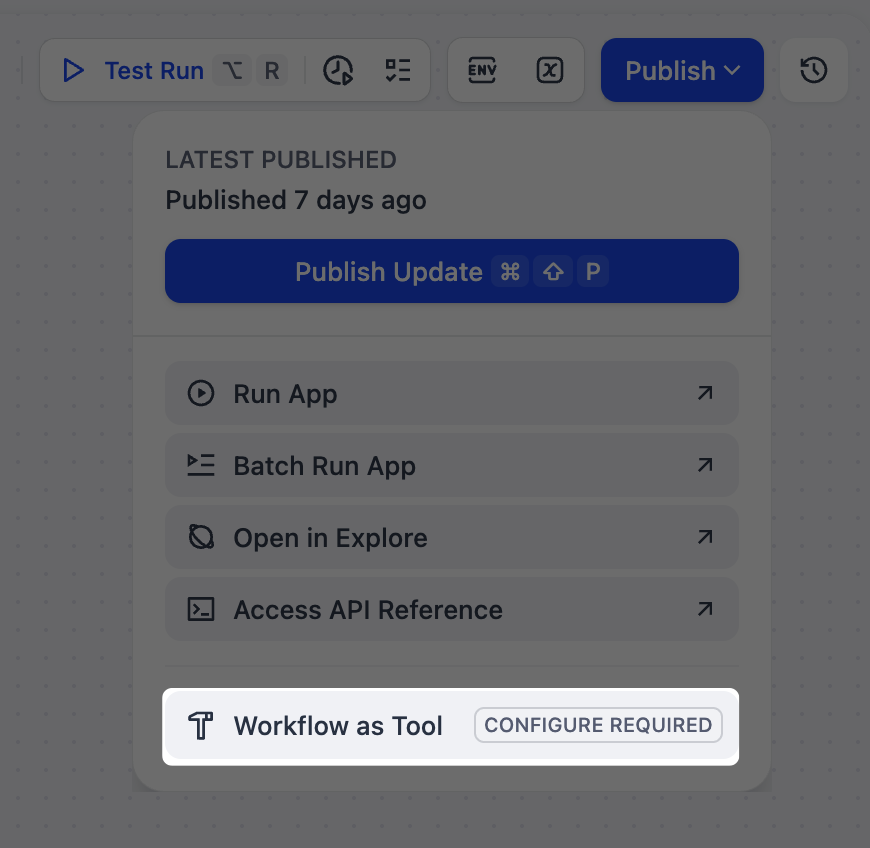
- Workflow / Chatflow apps (as standalone Tool nodes, or within LLM / Agent nodes)
- Agent apps
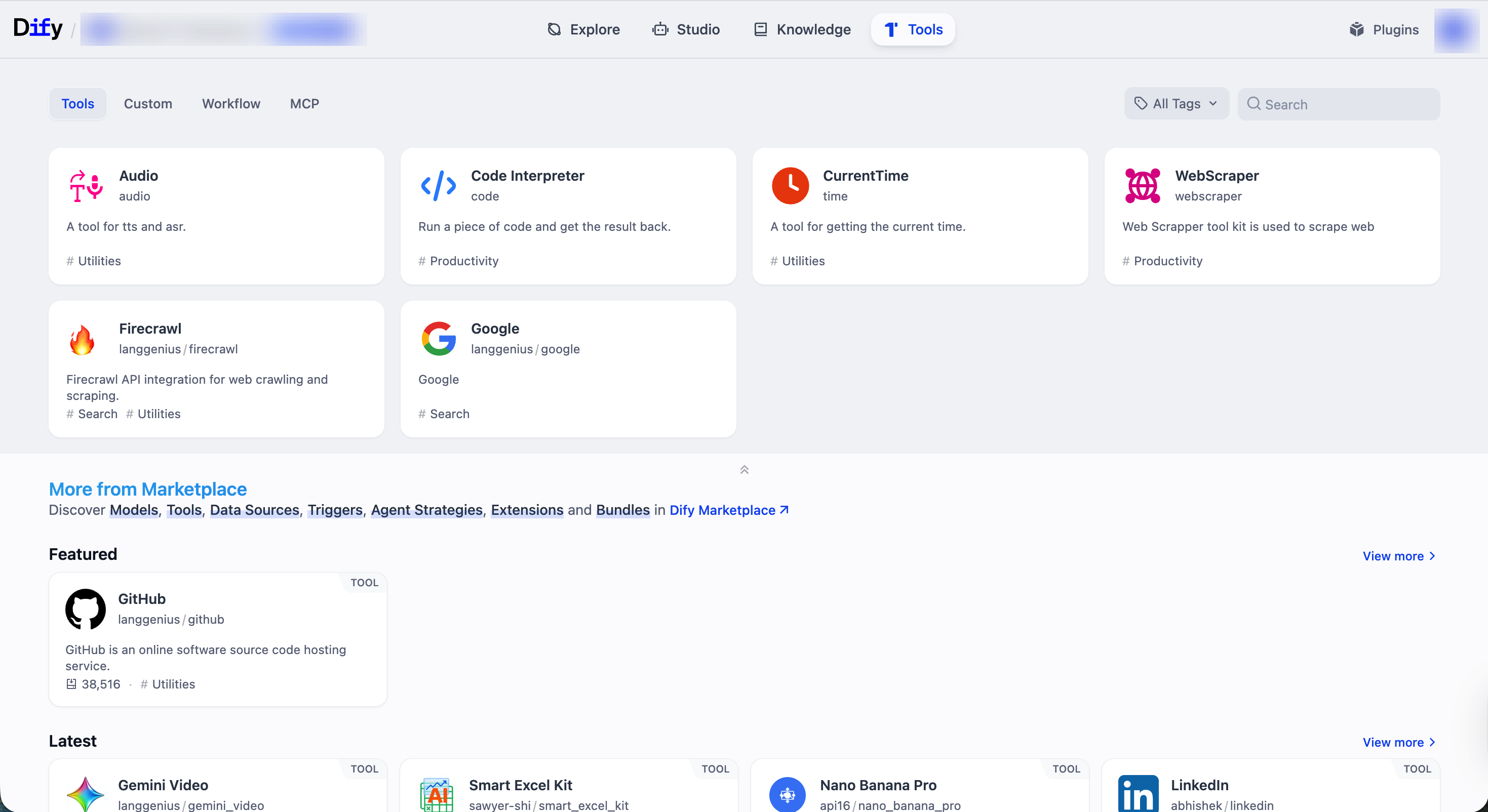
Tool Types
- Plugin Tool
- Custom Tool
- Workflow Tool
- MCP Tool
Plugin tools are ready-to-use integrations provided by Dify and the community for common utilities and popular third-party services.In addition to built-in plugin tools (like CurrentTime) available out of the box, you can explore and install more from Dify Marketplace.Manage AuthorizationSome plugin tools (e.g., Google and GitHub) require authentication—such as API keys or OAuth—before use.You can manage workspace-level credentials for these tools from the Tools or Plugins page, or directly within the tool settings inside an app or node.