> ## Documentation Index
> Fetch the complete documentation index at: https://dify-6c0370d8-add-new-agent.mintlify.site/llms.txt
> Use this file to discover all available pages before exploring further.
# Version Control
Track changes and manage versions in Chatflow and Workflow apps.
Only available for Chatflow and Workflow apps right now.
## How it works
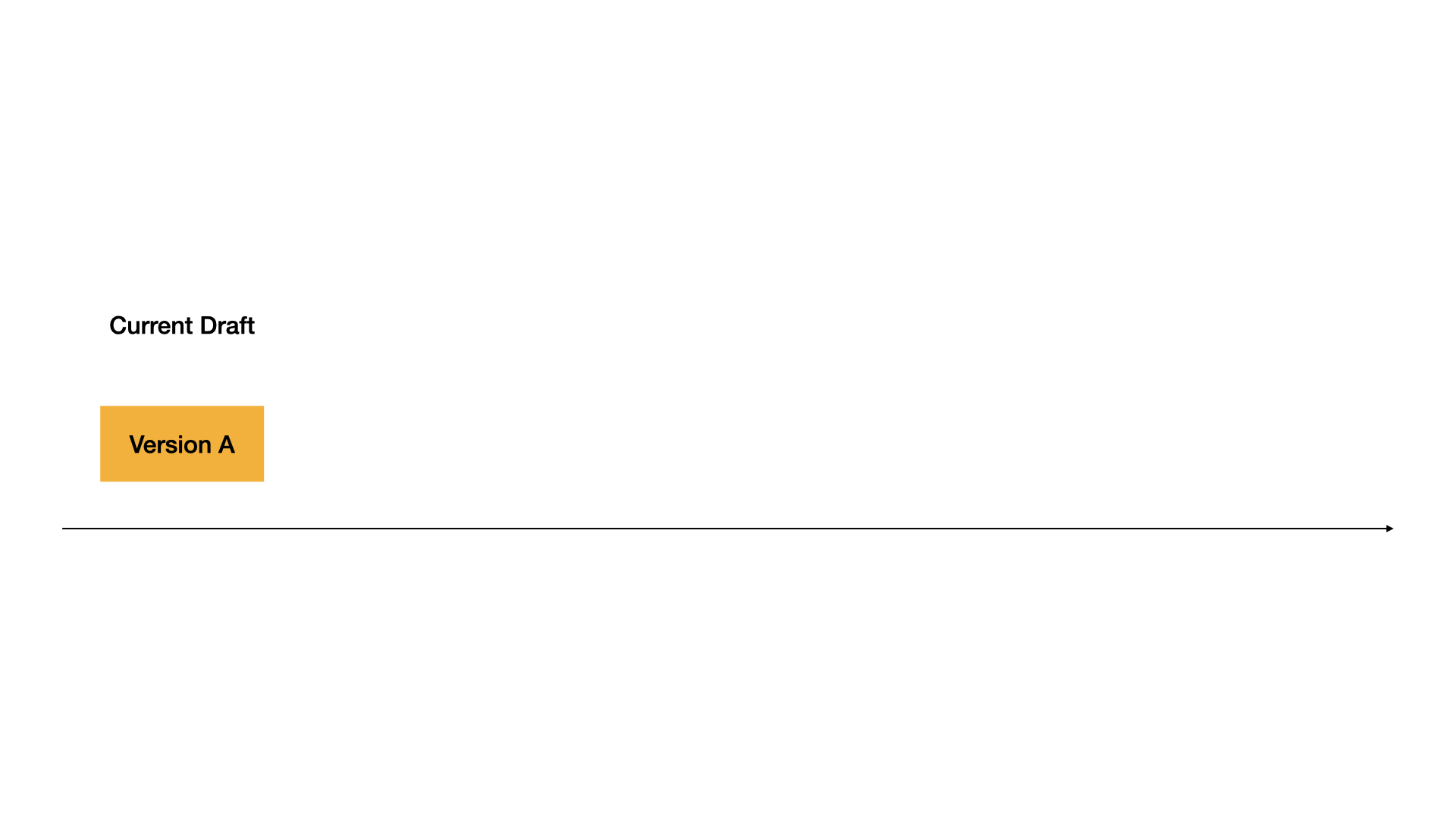
**Current Draft**: Your working version. This is where you make changes. Not live for users.

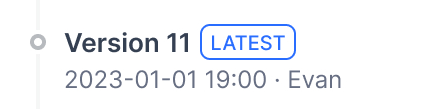
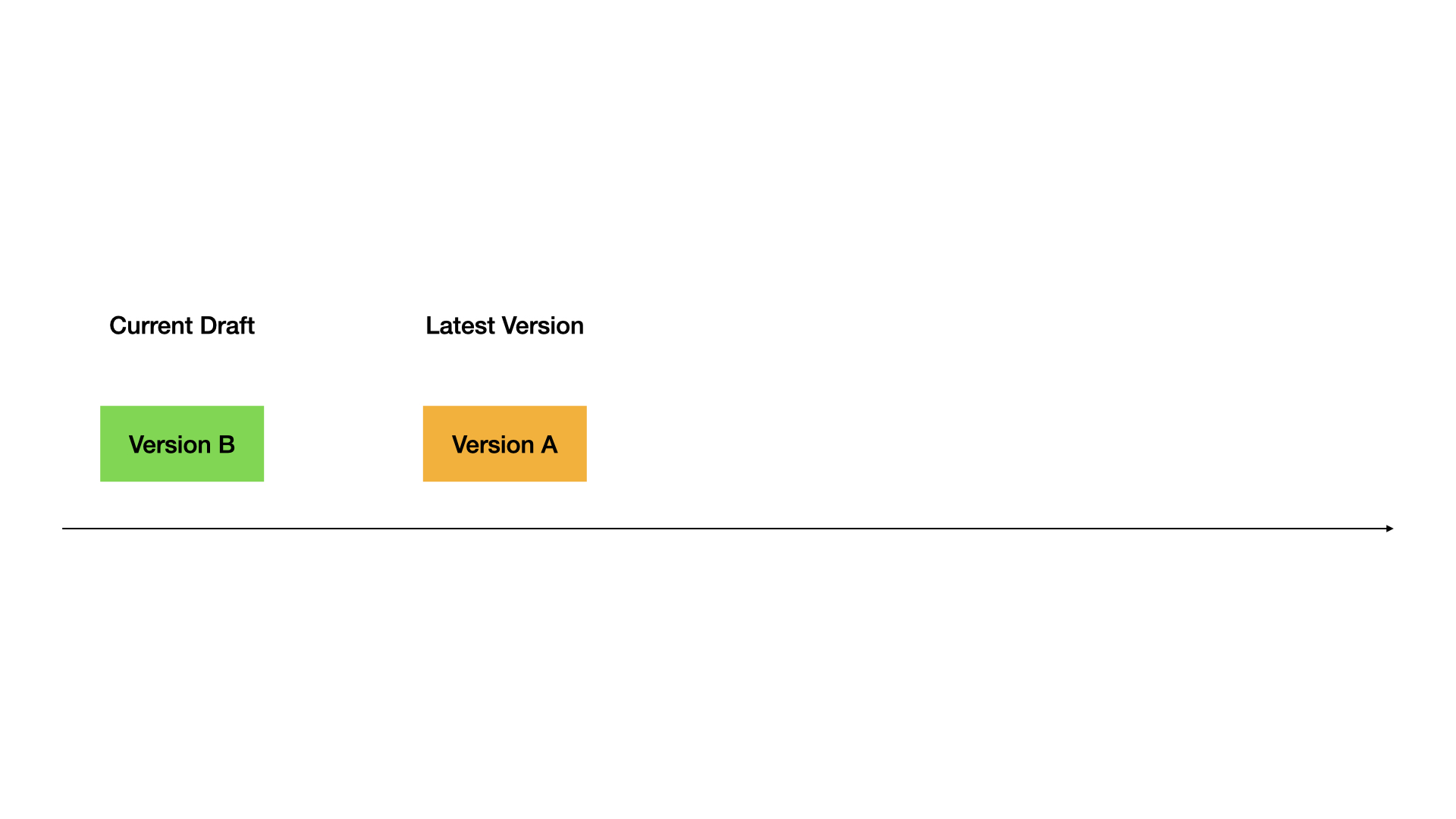
**Latest Version**: The live version users see.
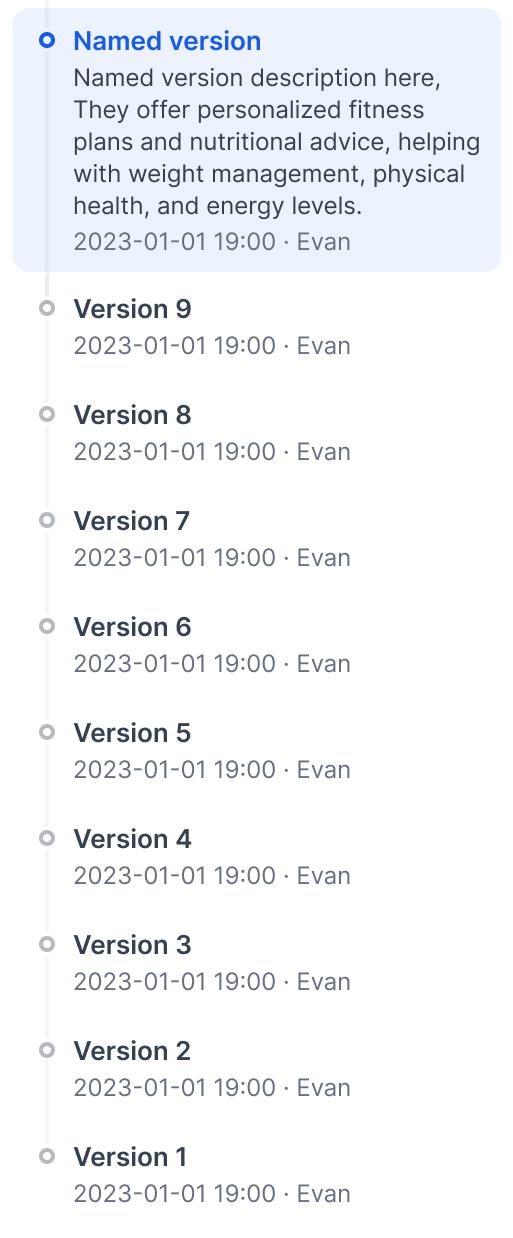
**Previous Versions**: Older published versions.
## Publishing versions
Click **Publish** → **Publish Update** to make your draft live.
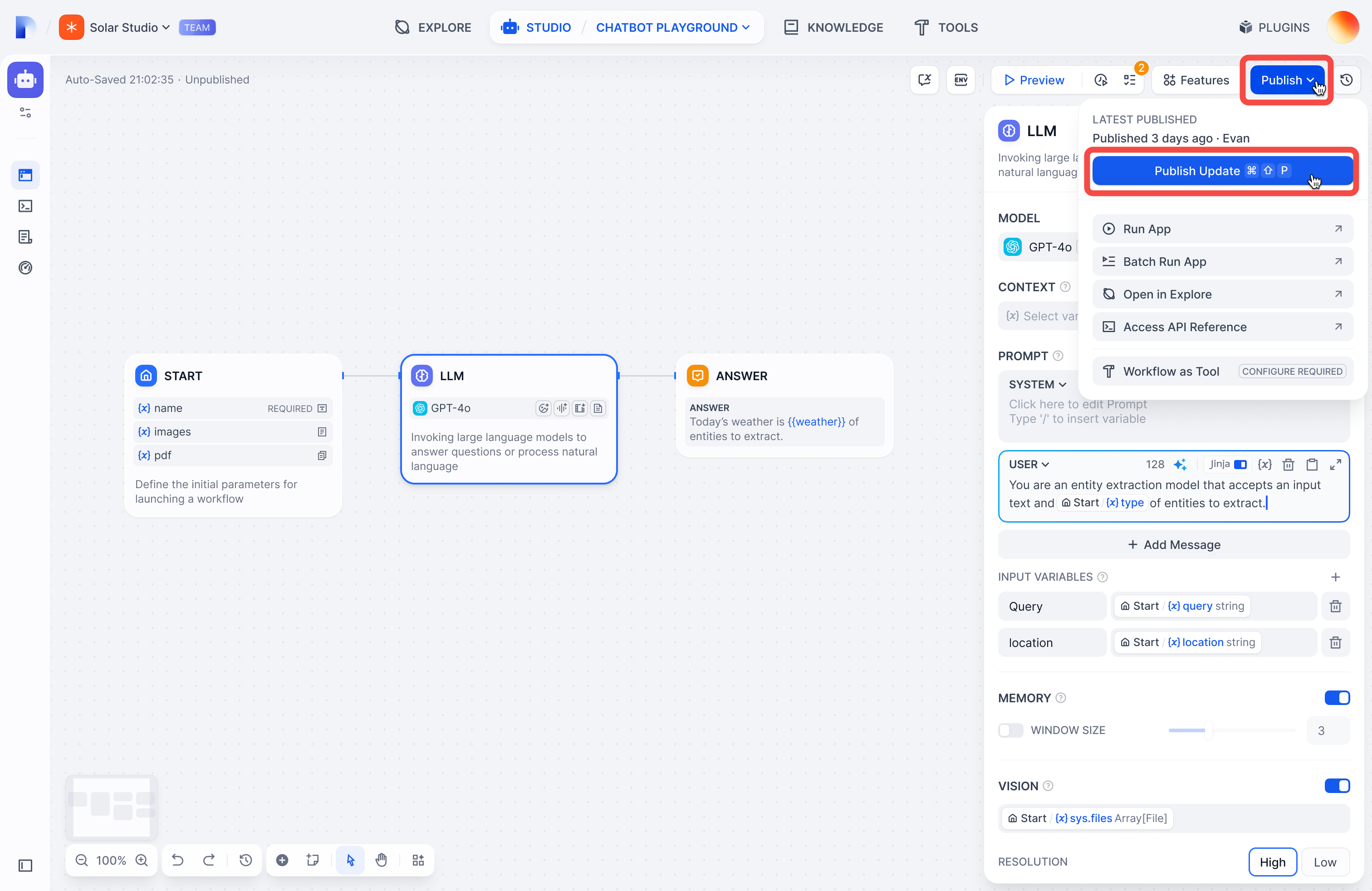
Your draft becomes the new Latest Version, and you get a fresh draft to work in.
## Viewing versions
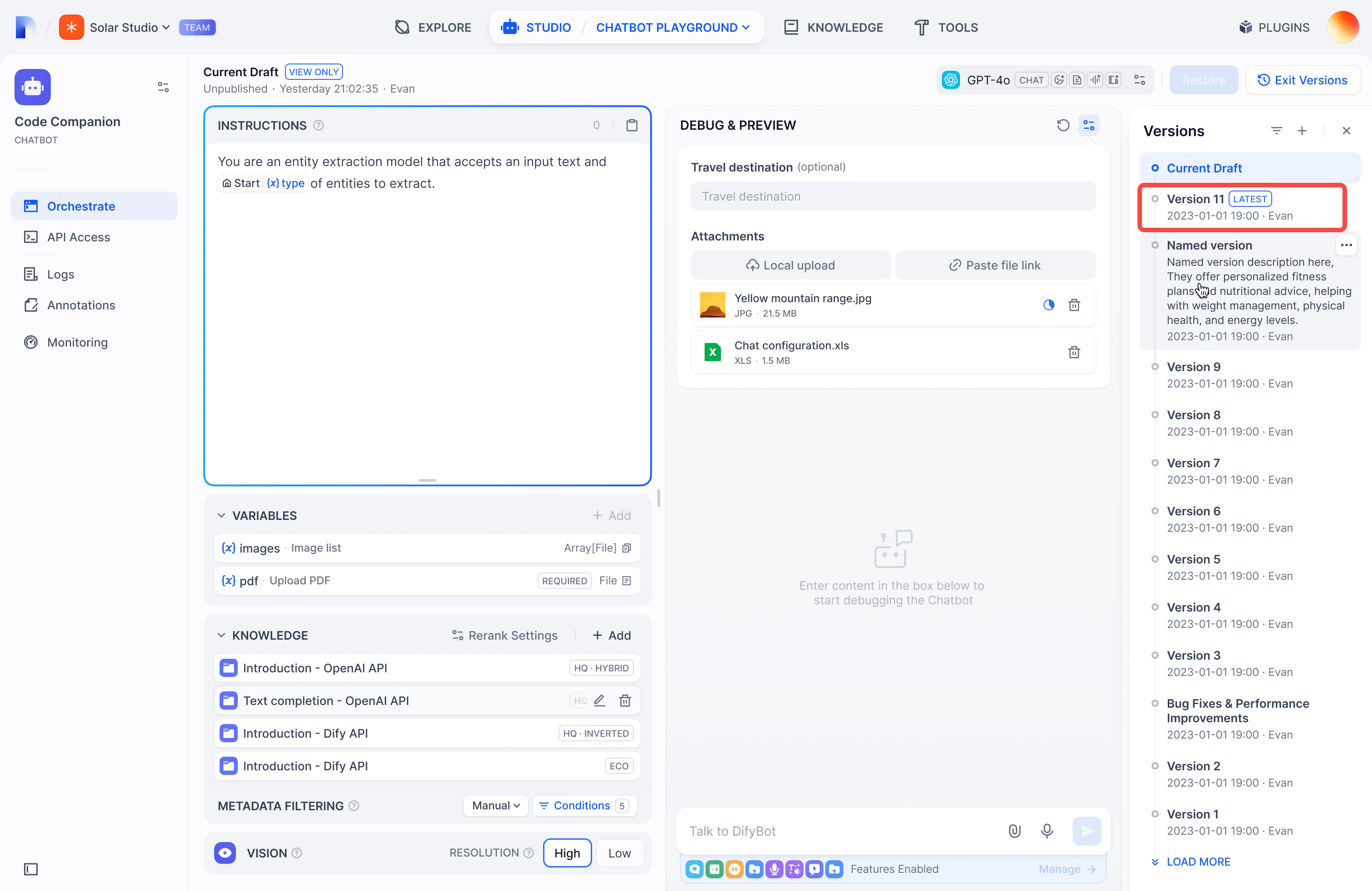
Click the history icon to see all versions:
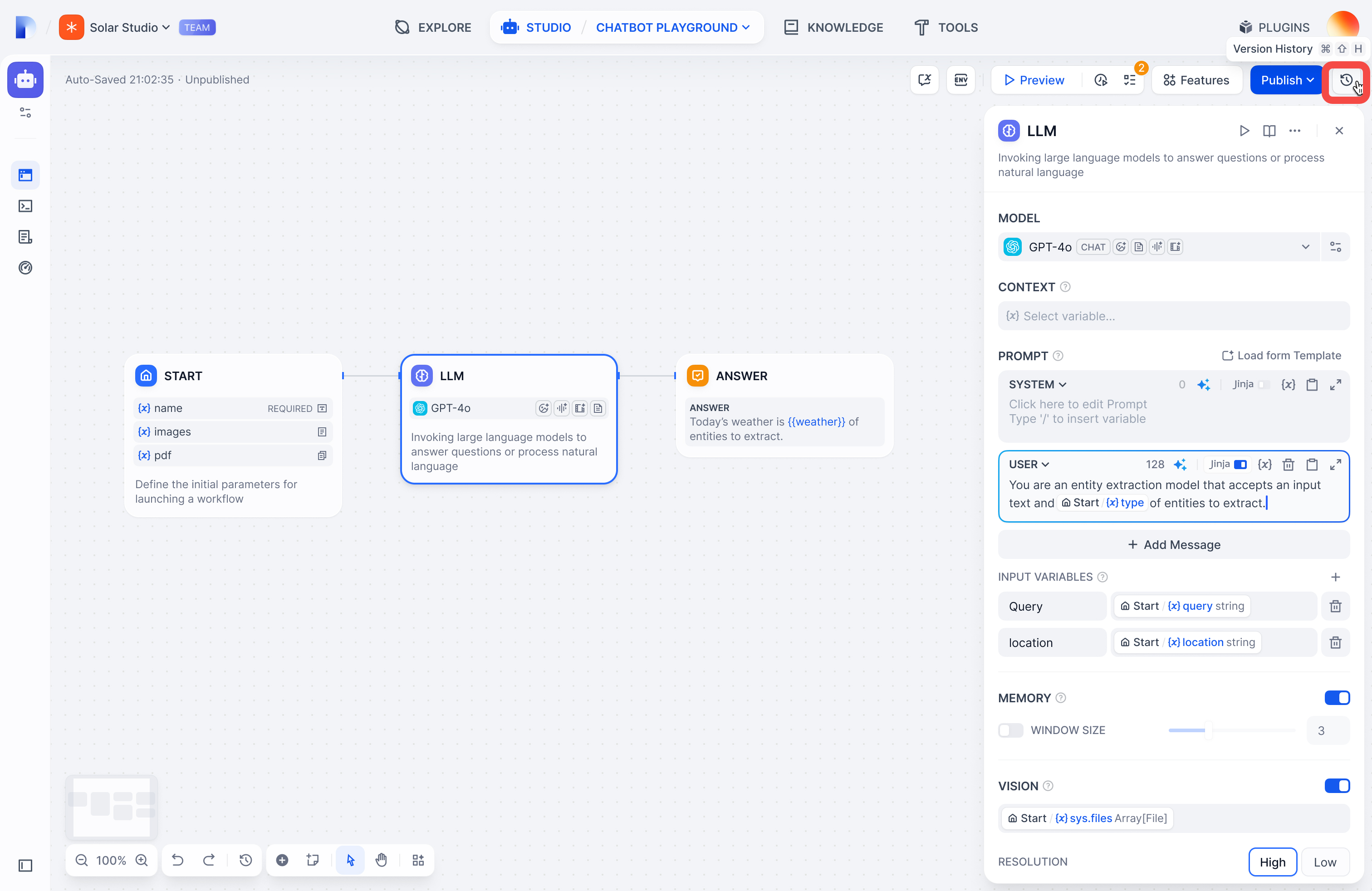
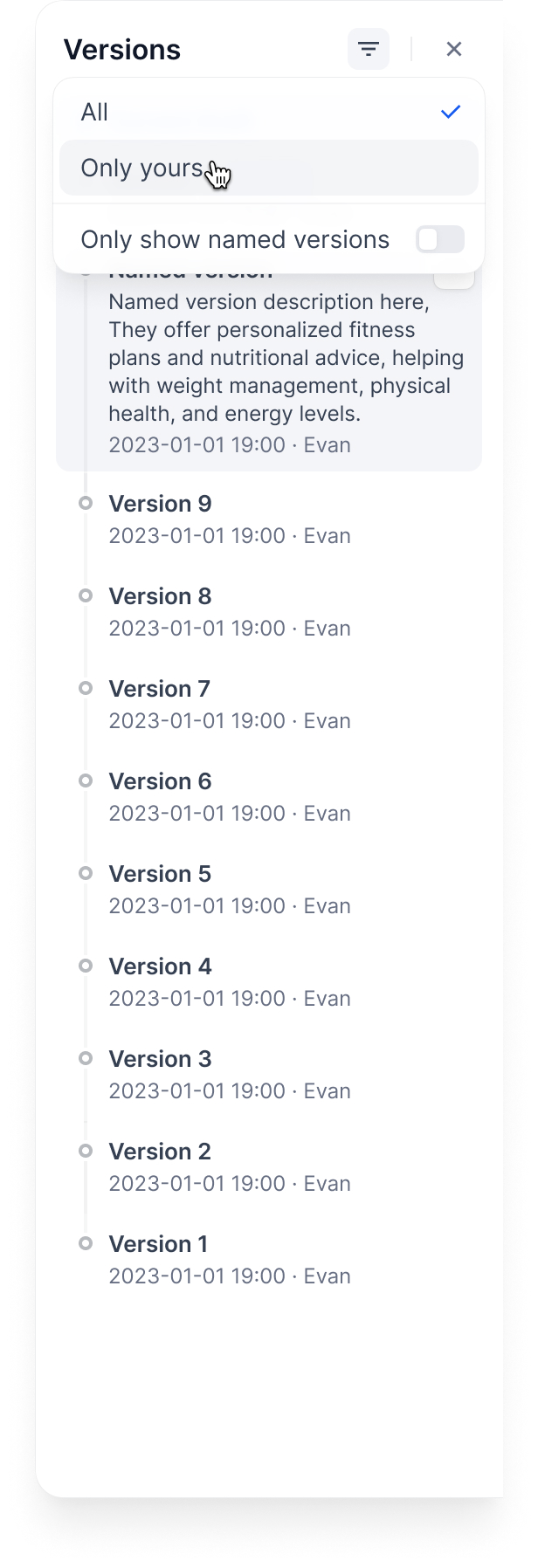
Filter by:
* **All versions** or **only yours**
* **Only named versions** (skip auto-generated names)
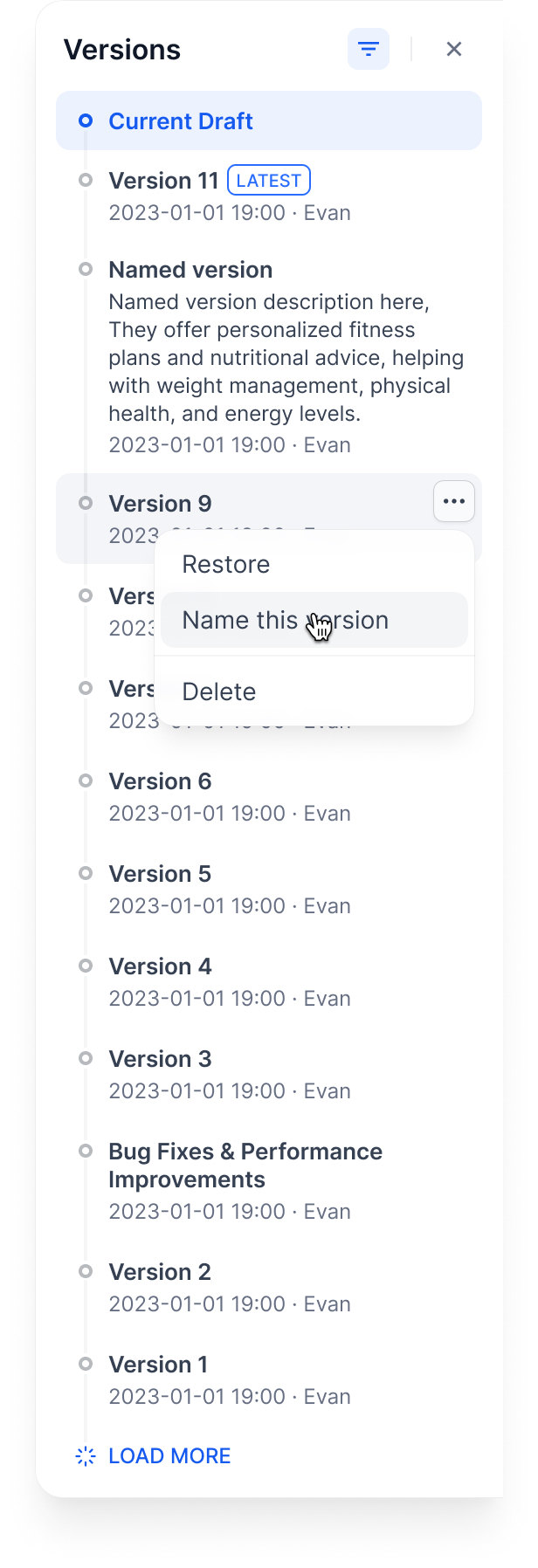
## Managing versions
**Name a version**: Give it a proper name instead of the auto-generated one
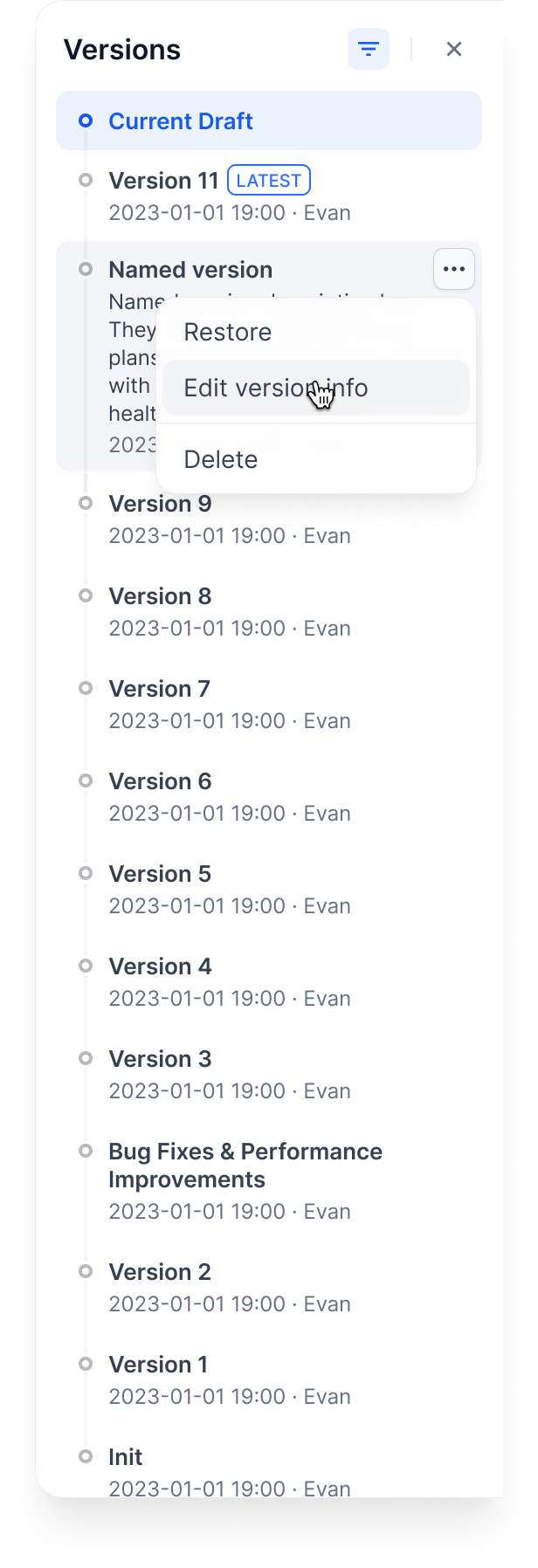
**Edit version info**: Change the name and add release notes
**Delete old versions**: Clean up versions you don't need
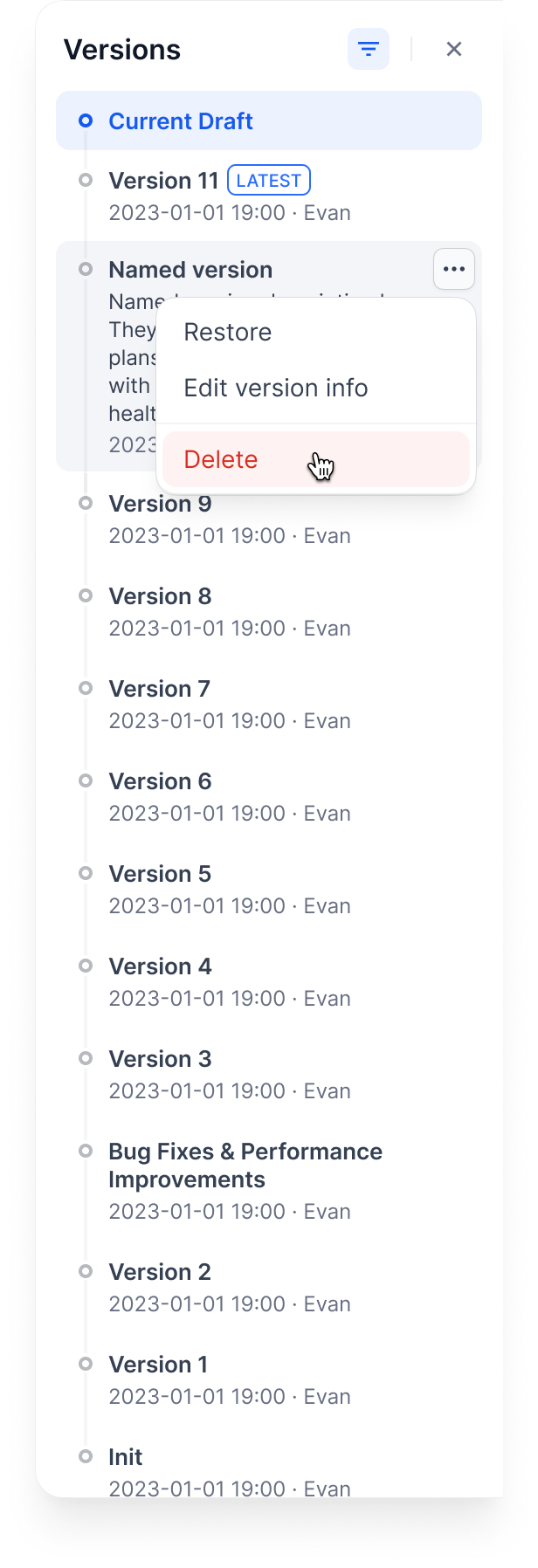
You can't delete the Current Draft or Latest Version.
**Restore a version**: Load an old version back into your draft
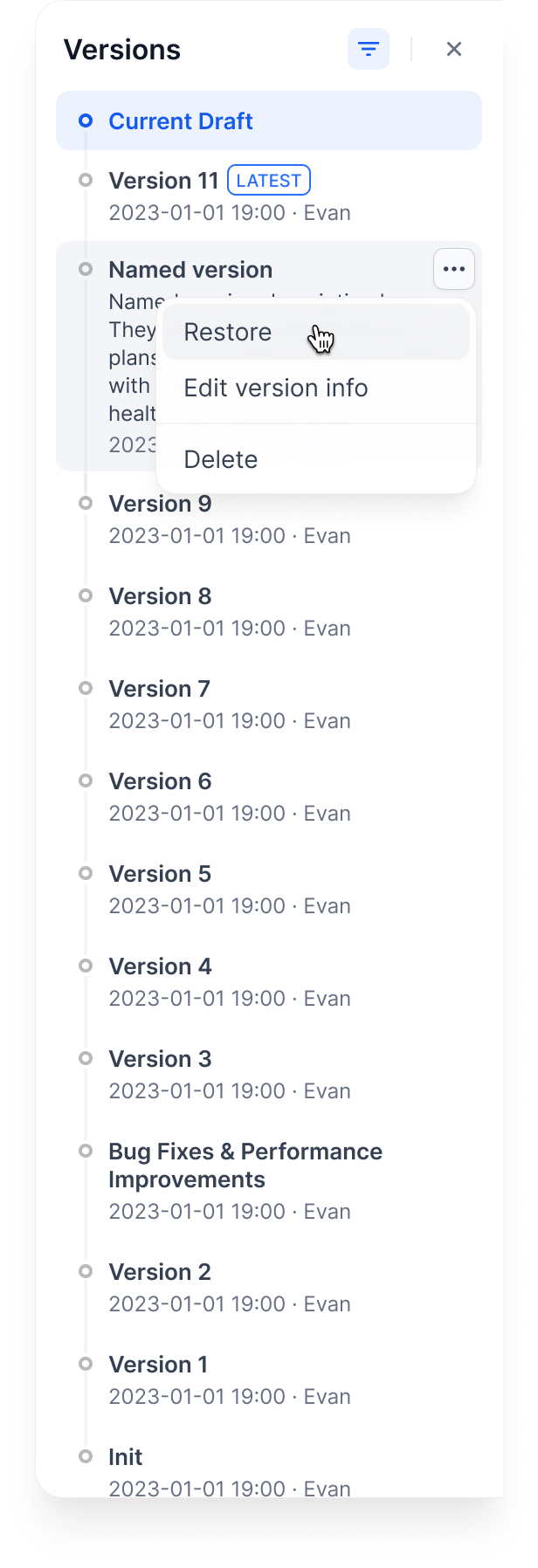
This replaces your current draft completely. Make sure you don't have unsaved work.
## Example workflow
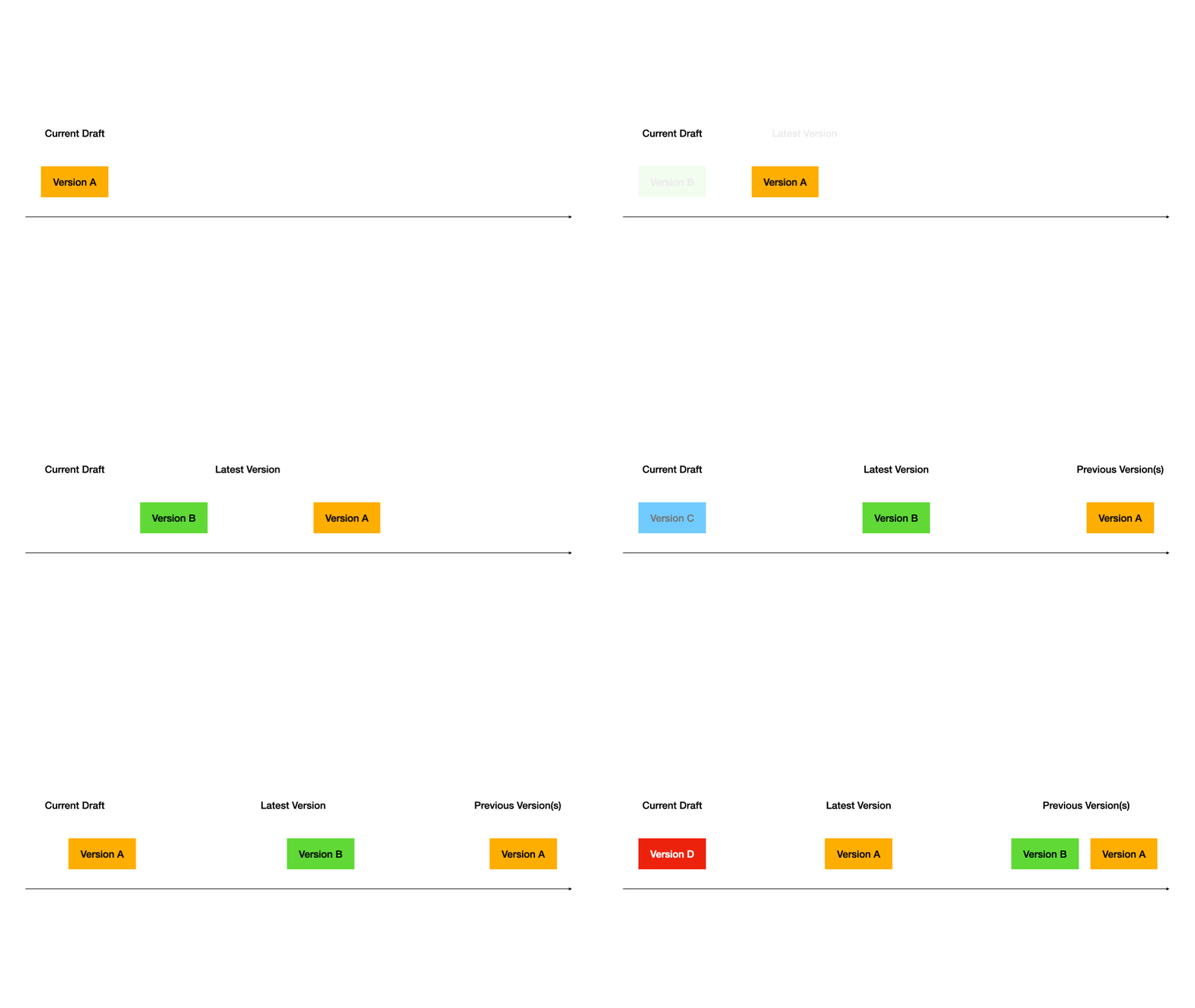
Here's how versions work through a typical development cycle:
### 1. Start with a draft
### 2. Publish first version
### 3. Publish second version
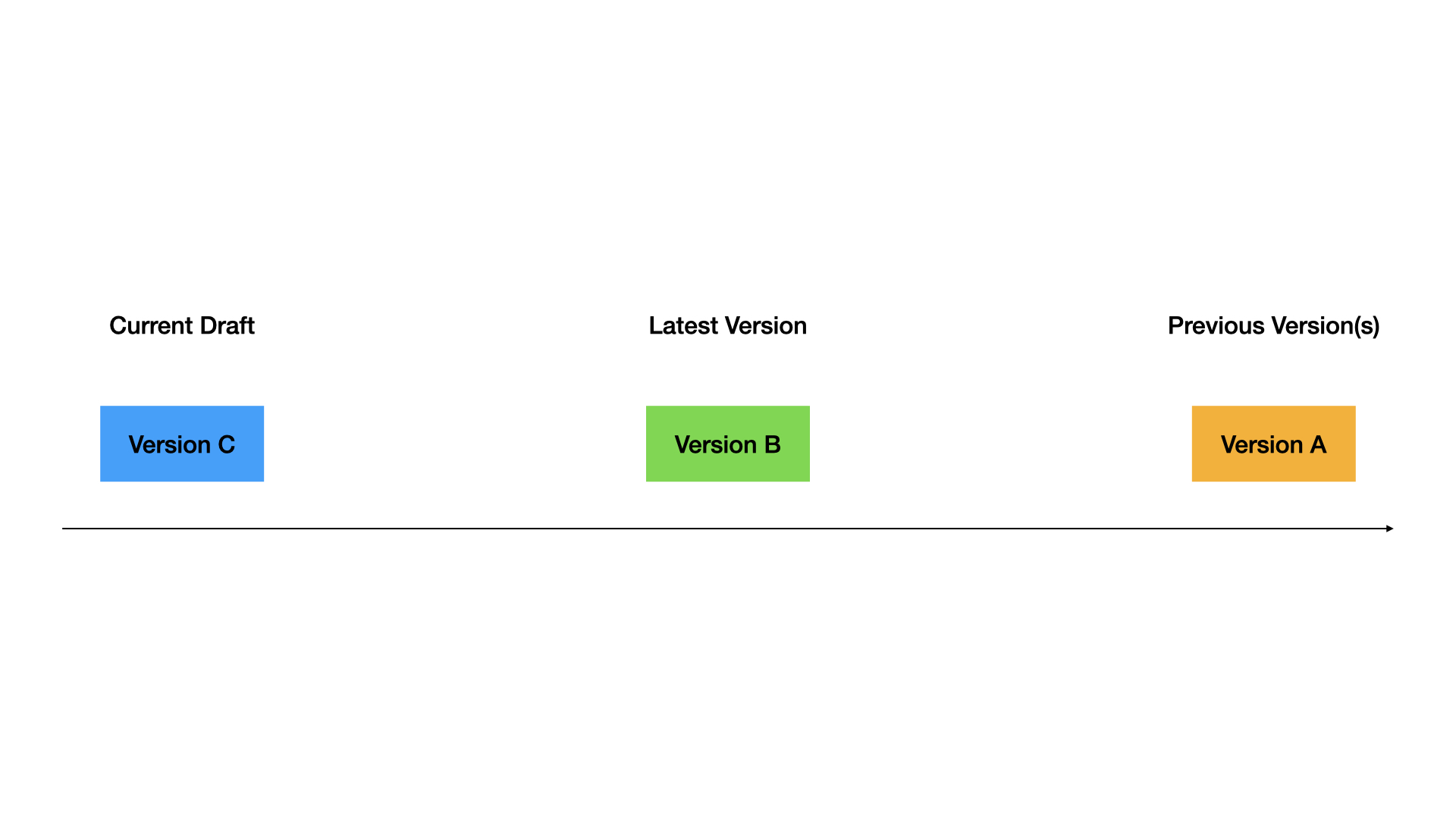
### 4. Restore old version to draft
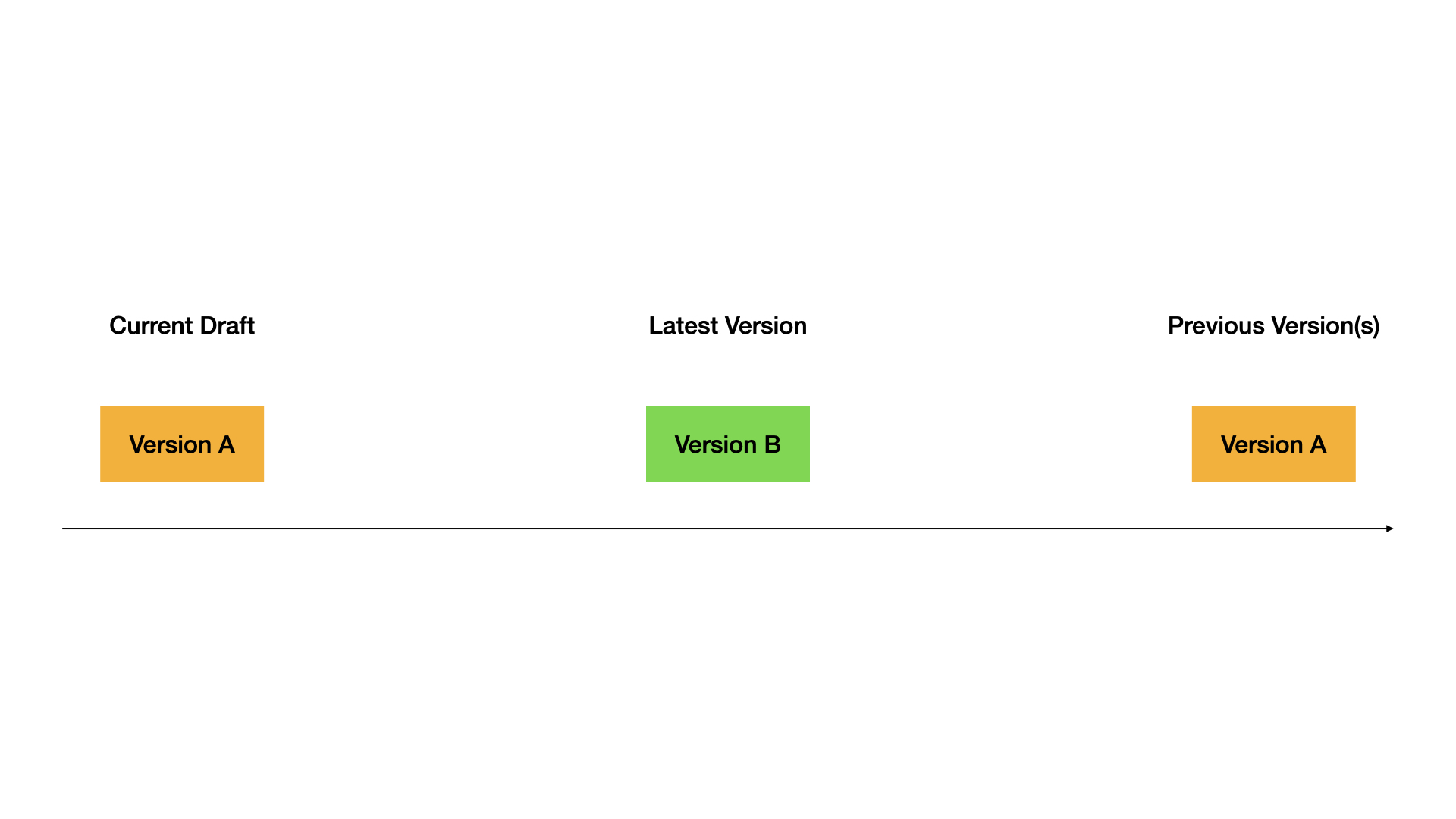
### 5. Publish the restored version
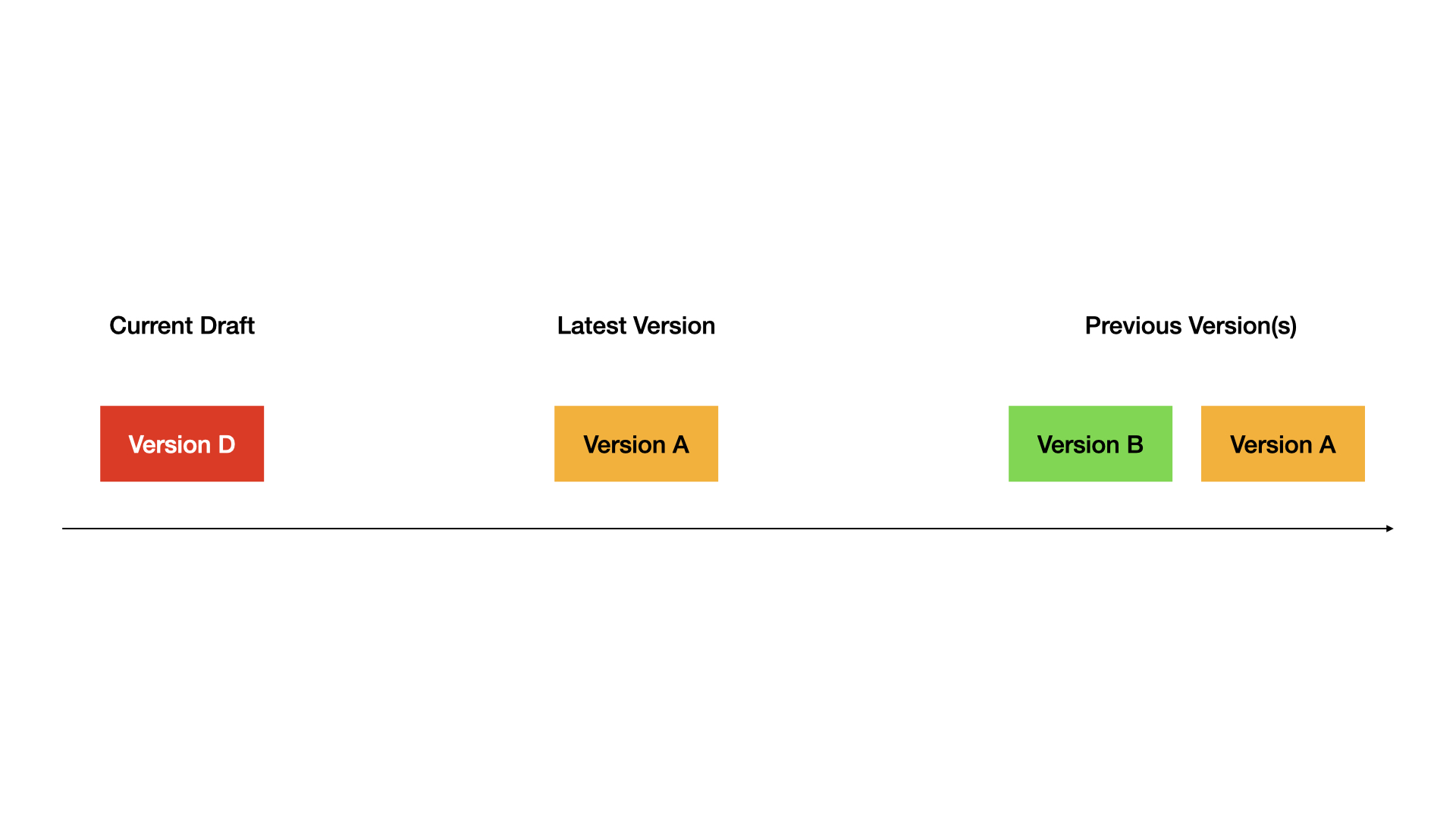
Complete demo:
## Tips
* Always test in draft before publishing
* Use descriptive version names for important releases
* Restore versions when you need to rollback quickly
* Keep old versions around for reference